Language: EN

05 · SMART BUILDING & COMMUNICATION

LED Display Applications

An LED display is a digital display system built from modular LED panels that keeps the image sharp even in daylight. We select the right display for the viewing distance, install it with its support structure, power and control system, and set up the content so your team can manage it.

WHAT IT DELIVERS

What it adds to your building

  • 01

    Everyone watching sees a sharp image.

    We choose the pixel pitch based on how many meters away the display will be viewed from. The display is neither more expensive than it needs to be nor grainy when seen up close.

  • 02

    Readable by day and by night.

    Outdoors, we choose a brightness that stays readable in direct sun, and a light sensor dims the display automatically at night. It does not strain the eye or waste energy.

  • 03

    The structure carries it safely.

    We do not just hang the display. We engineer the steel structure for the display’s weight, wind load and maintenance access.

  • 04

    You manage the content.

    You update the playlist from a computer or remotely. After installation, we train your team in content management.

SCOPE

What is included?

Components we install in an LED display project:

  • Indoor LED displays for lobbies, stores, meeting rooms and exhibition areas
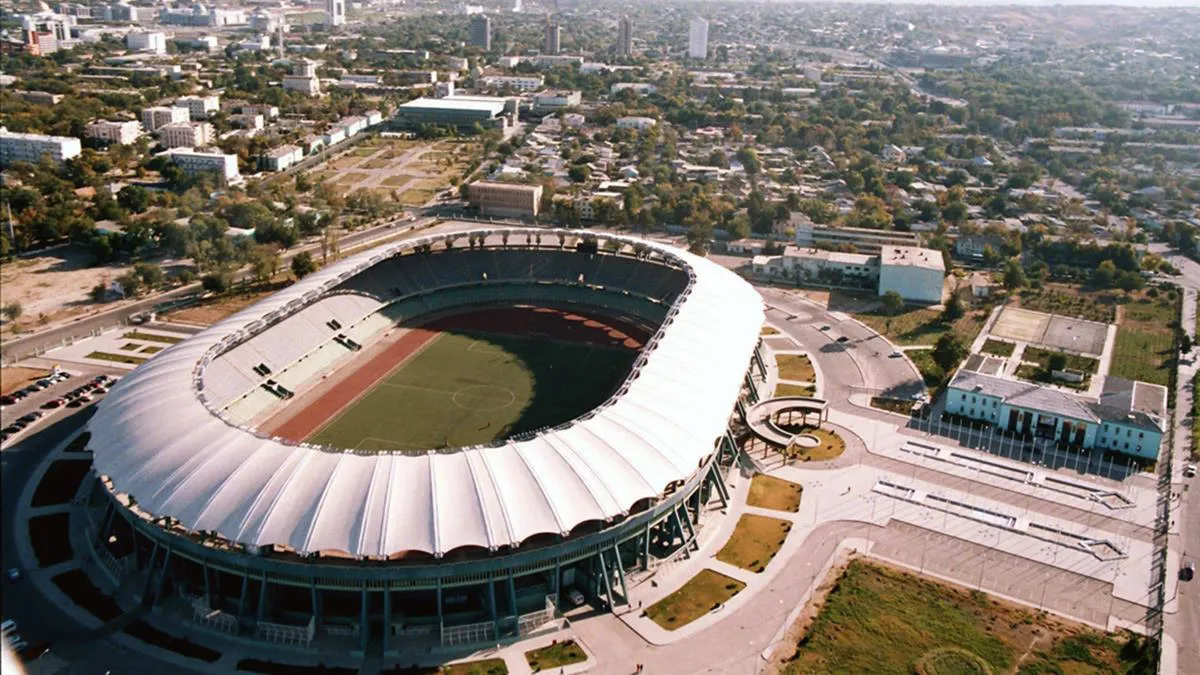
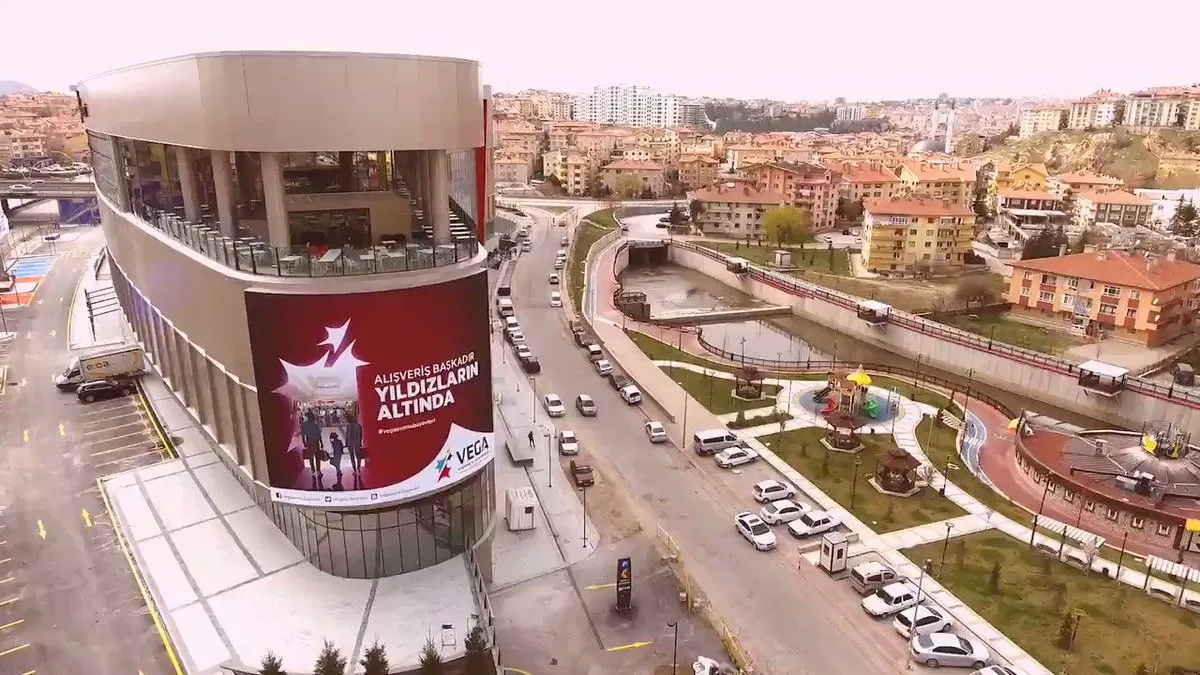
  • Outdoor LED displays for facades, parking entrances and stadiums
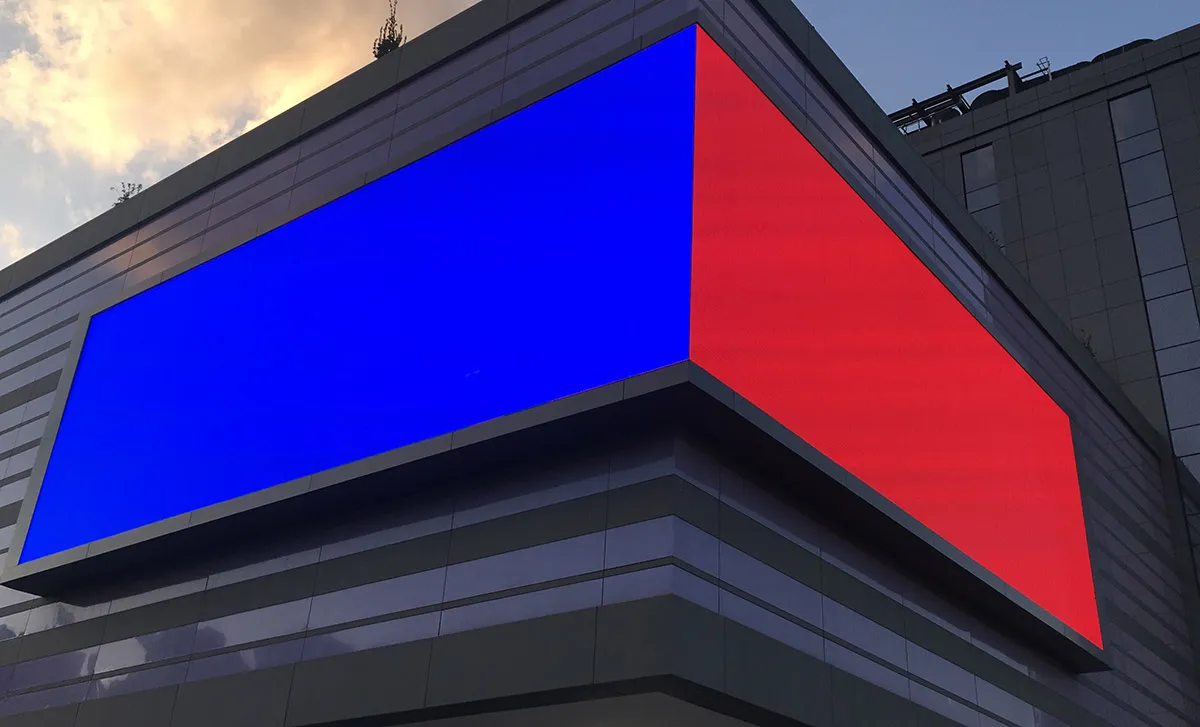
  • Flexible and curved LED for columns, oval surfaces and custom designs
  • Steel structure, mounting hardware and maintenance access
  • Power supply, fuse board and a UPS where needed
  • Sending and receiving cards, video processor (controller)
  • Content management software, scheduling and remote updates
  • Network or fiber link that carries data to the display
  • Light sensor that adjusts brightness to ambient light

PROCESS

How we build it

  1. Location and audience analysis

    On site, we determine who will see the display, from how many meters and from which angle. Sun direction and surrounding light are also identified at this stage.

  2. Display and structure design

    We select the pixel pitch, brightness and display size. We prepare the technical drawings for the structure and the power and data connection design.

  3. Supply and installation

    We supply the modules and the structure, and carry out mounting and cabling on site. Our Ankara-based team works in Türkiye and abroad; this is how we installed a 20 m² indoor display for Nata Holding’s exhibition stand in Ashgabat.

  4. Calibration and commissioning

    Color and brightness are matched across modules. The control system, content software and remote access are tested.

  5. Training and maintenance

    We teach your team how to manage content. During periodic maintenance, we replace faulty modules and power supplies and fix image defects.

TECHNICAL NOTES

What we look at in the design

Pixel pitch and viewing distance

Pixel pitch (such as P3, P6, P10) is the distance in millimeters between the centers of two LEDs. The smaller the pitch, the sharper the image up close and the higher the cost of the display. A widely used rule of thumb says the millimeter value gives, roughly in meters, the closest distance for comfortable viewing: a P3 display is comfortable to watch from 3 meters, a P10 display from 10 meters. That is why P2–P3 is a common choice for lobbies and P6–P10 for facades.
Brightness and weather

Brightness is measured in nits (cd/m²). Indoors, a few hundred to 1,500 nits is enough. Facades in direct sunlight need 5,000 nits or more. For outdoor displays, the ingress protection (IP) rating against dust and water matters; IP65 is usually required on the front face. Rain, temperature and wind also drive decisions on the structure and ventilation.

Control and content

The display runs on synchronous control, driven by a connected computer, or asynchronous control, with its own player. Synchronous control suits live broadcasts and score displays; asynchronous control suits advertising and announcement loops. We connect the display securely to your organization’s network and make remote content updates possible.

LAYER

Part of the Smart Building & Communication layer

This service sits on layer 5 of the building and is designed together with the other systems on that layer.

Services on the same layer

FAQ

Frequently asked questions

What determines LED display prices?

Price depends mostly on display area (m²), pixel pitch and indoor or outdoor use. The structure, control system, power infrastructure and installation conditions add to the cost. That is why we price each project after a site survey and needs analysis.

What does pixel pitch (P2.5, P10) mean?

The number after the P is the distance between two LEDs in millimeters. In P2.5 the LEDs are 2.5 mm apart, in P10 they are 10 mm apart. A small pitch is for displays viewed up close, a large pitch for facade displays seen from a distance.

What is the difference between indoor and outdoor LED displays?

Outdoor displays are much brighter so they can be read in sunlight, and they are protected against water and dust. Indoor displays are designed for close viewing, with lower brightness and a smaller pixel pitch. One should not be used in place of the other.

What is the right viewing distance for an LED display?

Roughly, from as many meters as the pixel pitch value in millimeters. A P4 display is comfortable to watch from about 4 meters. Closer than that, individual pixels become visible.

Do outdoor LED displays need a permit?

In most cases, yes. Facade and advertising displays are subject to the local municipality’s signage and advertising regulations, and the conditions vary by municipality. The building owner handles the application; the technical information required (size, weight, power, structure) is part of the display’s design drawings.

Let’s start with a site survey for an LED display that fits your audience.